Home About Services TDL Library Pricing Blog Contact Create Invoice
My Dashboard Logout Login Sign Up
Back to TDL Library
Free TDL

WhatsApp Integration

Send invoices and messages directly to customers via WhatsApp from Tally.

Login Required Free Account Required

What This TDL Does

The WhatsApp Integration TDL adds a shortcut to send invoice details or custom messages directly to your customers via WhatsApp. It opens WhatsApp Web or the desktop app with the party's mobile number and a pre-filled message containing invoice details.

Problem It Solves

Manually copying invoice details and sending them via WhatsApp is time-consuming. This TDL automates the process by pulling party contact details and invoice information directly from Tally, making customer communication instant and error-free.

Who Should Use This

  • Retailers sending invoices to customers
  • Distributors notifying dealers about orders
  • Service providers sending payment reminders
  • Any business using WhatsApp for customer communication

Business Benefits

  • Instant Sharing: Send invoices in seconds
  • No Manual Errors: Auto-filled message content
  • Customer Convenience: Invoices on their phone
  • Better Collections: Quick payment reminders

Installation Instructions

For Tally Prime

  1. Download the .zip file
  2. Open Tally Prime ? F1 ? TDL & Add-on
  3. F4 ? Manage Local TDLs ? F5 Add
  4. Select the file and Restart Tally Prime

For Tally ERP 9

  1. Copy file to Tally folder
  2. Edit tally.ini: User TDL=WHATSAPP MESSAGE.zip
  3. Restart Tally ERP 9

Note: Ensure party ledgers have valid mobile numbers in the contact field for this to work correctly.

WhatsApp Integration

WHATSAPP MESSAGE.zip

Compatibility

✓ Tally ERP 9 & Tally Prime

Login required for download

Thanks for downloading 😊

If this file helped you, you can buy me a coffee ☕ (completely optional).
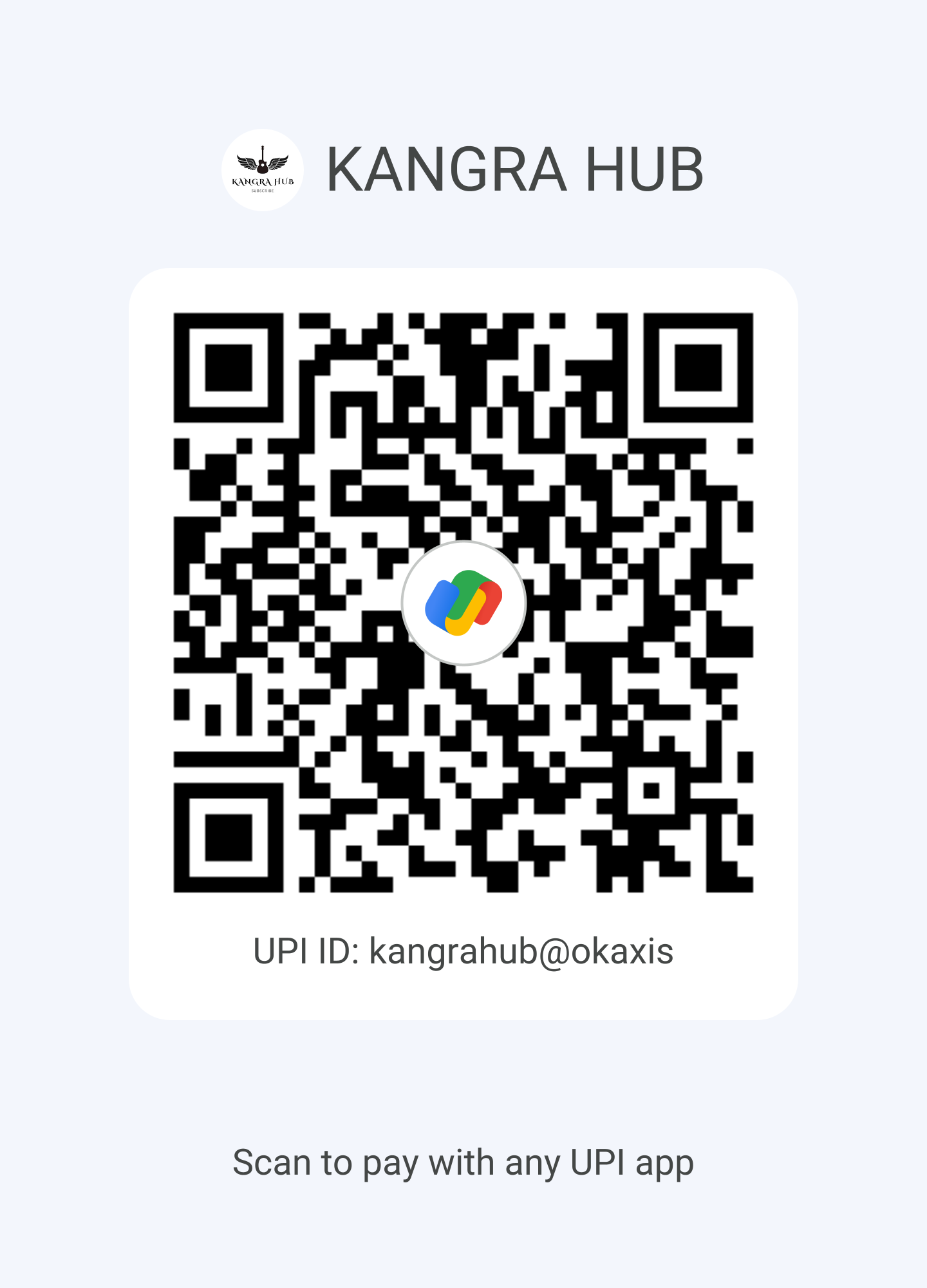
Scan to support

No OTP. No UPI PIN required. Just scan and pay any amount you wish.